
Turn any photo into a laser-ready stencil or wood engraving.
Upload a picture. Our AI handles the background, contrast, and bridges automatically. You get a clean SVG and DXF in about a minute. Free to try, no sign up needed.
Works with Glowforge, xTool, LightBurn, OMTech, and any laser cutter.

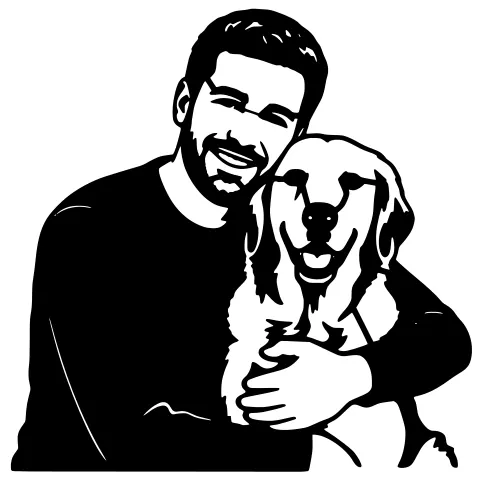
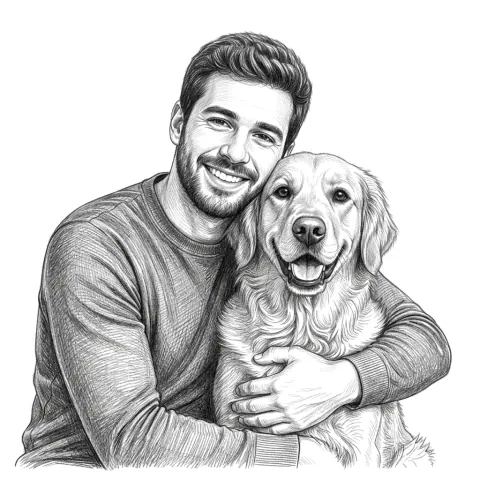


Pick an option to get started — upload your photo in the next step. No credit card.

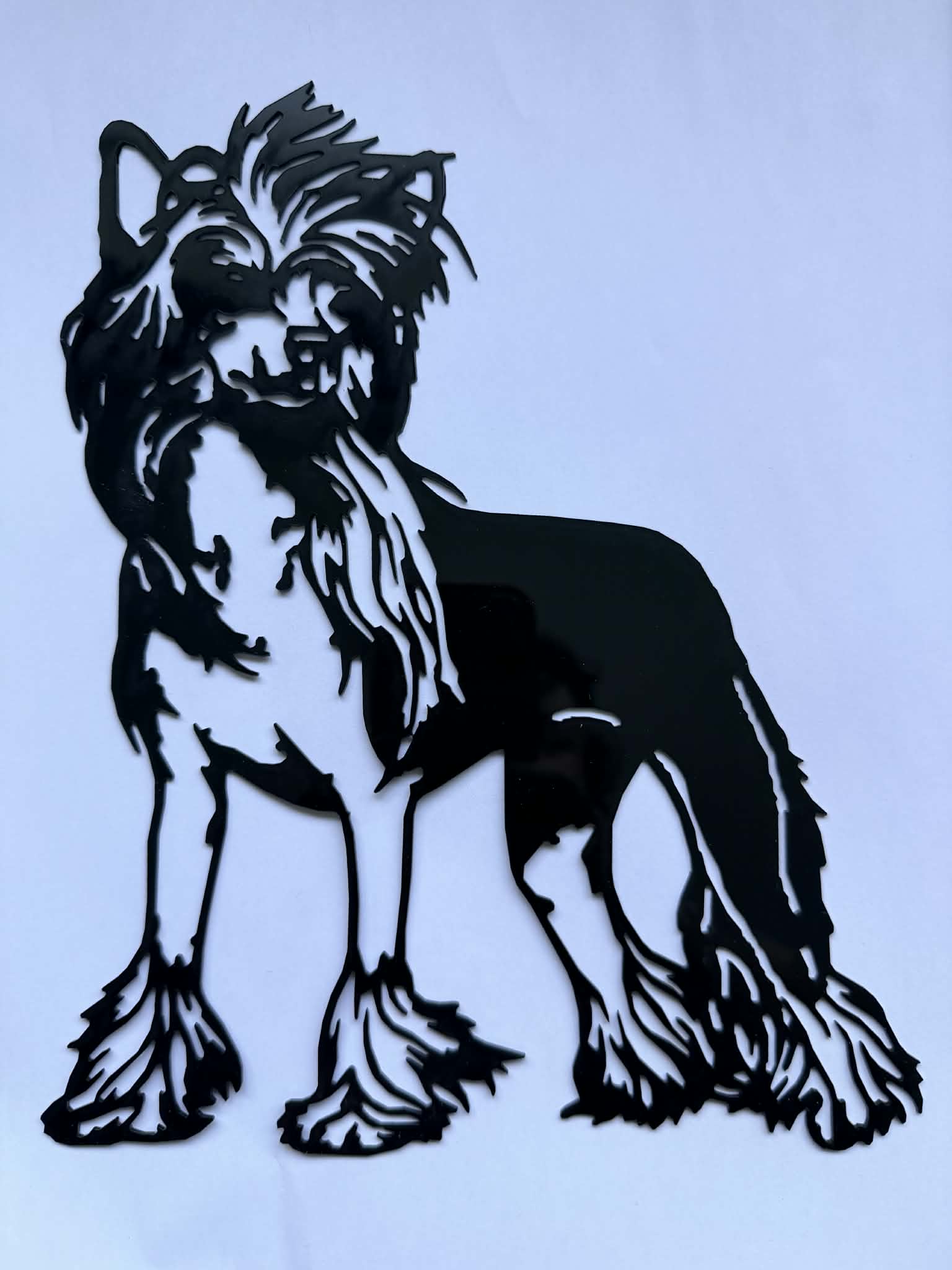
A real photo turned into laser-cut acrylic. Designed on StencilCut, cut by a customer on her own machine.
Three steps to a laser-ready file
Built for laser hobbyists. No design skills needed.
Upload your photo
JPG or PNG from your phone or computer. No prep needed.
Our AI does the work
Background removed, contrast tuned, bridges added, file checked.
Download and laser it
Get an SVG and DXF that opens in LightBurn, Glowforge, or xTool.
Designed on StencilCut. Cut on a real laser.
Photos turned into acrylic by the first customer to push a project end-to-end through the site. No design software in between.
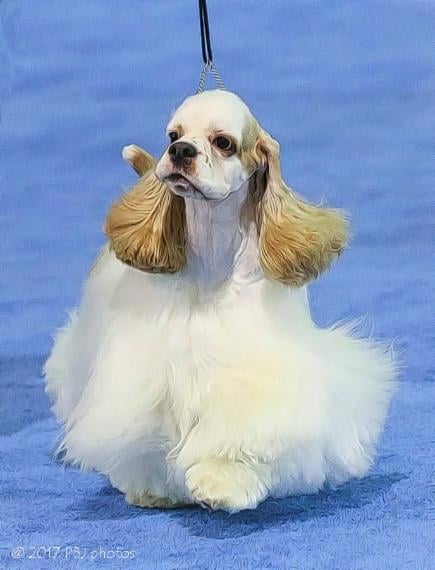
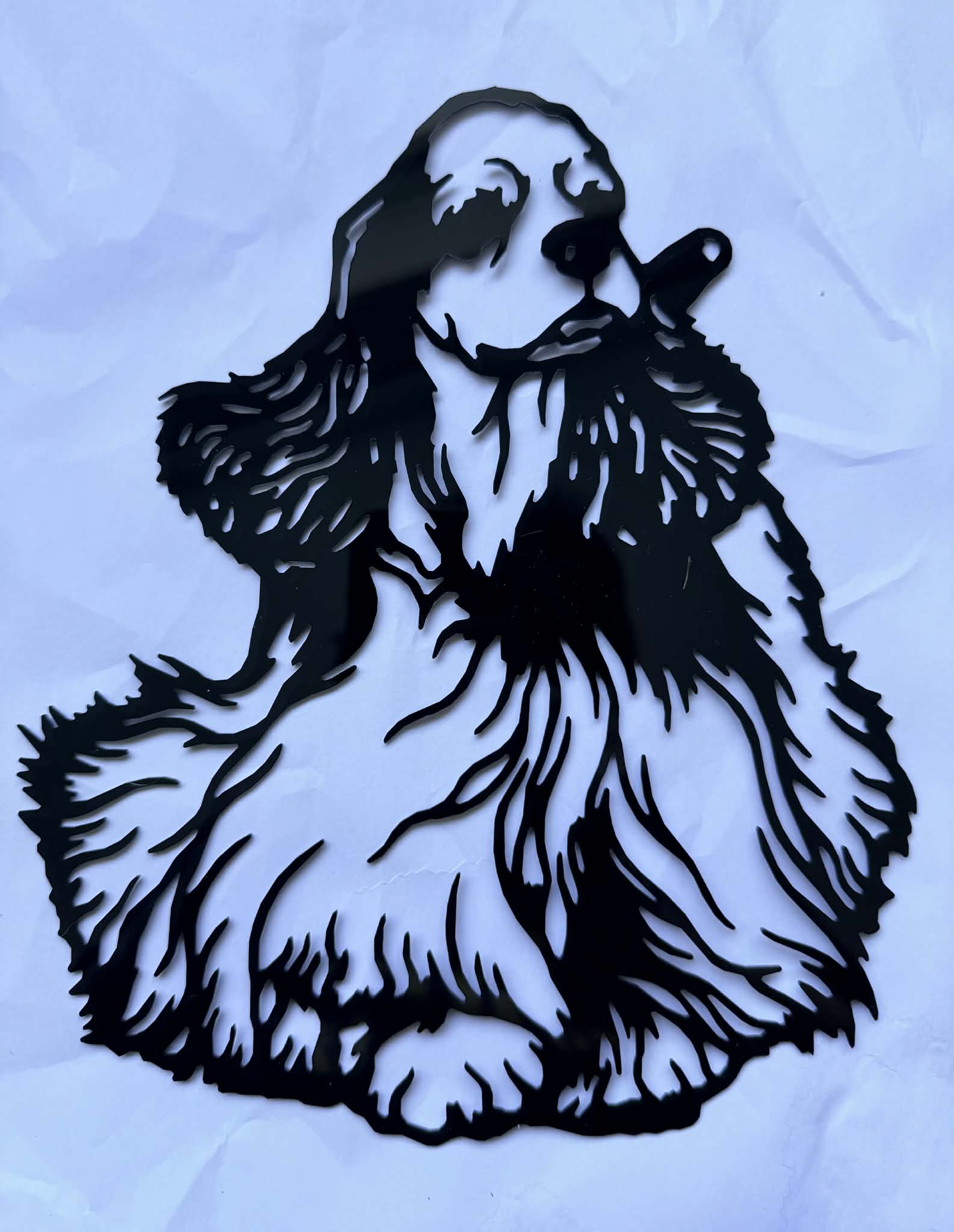
“I’m just so happy someone has made a site for this kind of laser cutting.”See the full showcase →
Pets, people, logos, and more
Pick a category and our AI tunes itself for the best result.
Cats, dogs, horses. Keeps fur and whisker detail, removes the rest.
Family portraits, friends, grandchildren. Backgrounds removed.
Cleaned up edges, ready for any laser or CNC.
Homes, barns, landmarks, architectural outlines.
Names and phrases in English, Arabic, or Hebrew calligraphy.
Large decorative pieces with mounting options.
Pick the look that matches your project
Seven cut styles for stencils. Seven engraving styles for wood, leather, slate, and more.
Made to be simple
Works in any web browser. Nothing to download or set up.
If you can upload a photo, you can make a stencil.
We flag thin lines and warn before you download.
Email us. A real person writes back, usually within a day.
Questions, answered
What file types do you export?+
DXF (polyline and spline) and SVG. Both work with LightBurn, RDWorks, and every major laser and CNC software.
What laser cutters does StencilCut work with?+
Every major brand: Glowforge, xTool, OMTech, Epilog, Trotec, Boss Laser, and any machine that opens SVG or DXF. CNC routers and plasma cutters work too.
Do you store my photos?+
No. Photos are processed immediately and deleted within 24 hours. We never use your images to train AI models.
What if the stencil has floating pieces?+
Auto-bridging connects them automatically. You can also fix them manually in the bridge editor.
How many credits does each action cost?+
One credit per AI generation. SVG and DXF downloads are free. Credits never expire.
What if a job fails?+
Credits are automatically refunded for server errors. Reporting bugs also earns two bonus credits.
Jump straight to the converter you need
One-click pages for the most common file conversions hobbyists need.
Ready to make something?
Try 3 designs free, no account needed. Sign up for 2 more on the house. No credit card.
Start your free design